Pubs and Party-goers: Here’s An Easy Way To Run Your Own Costume Contest
Have you ever judged a costume contest by applause? Someone holds a hand over each contestant’s head, the room cheers, and the loudest table wins. It’s fun and it’s quick, but it’s also not very fair.
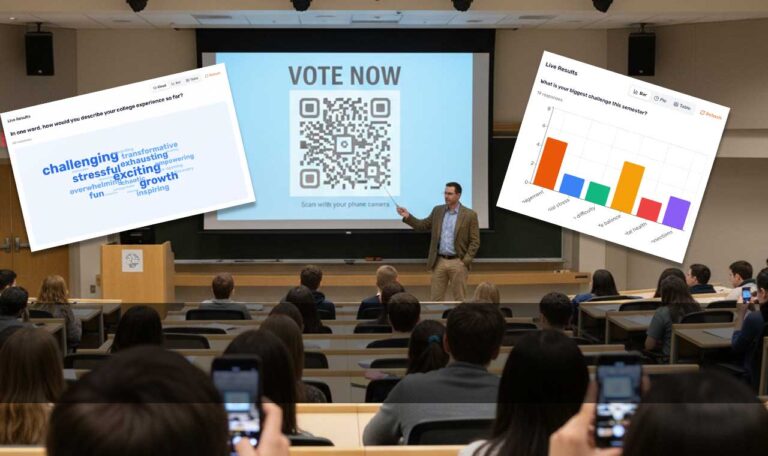
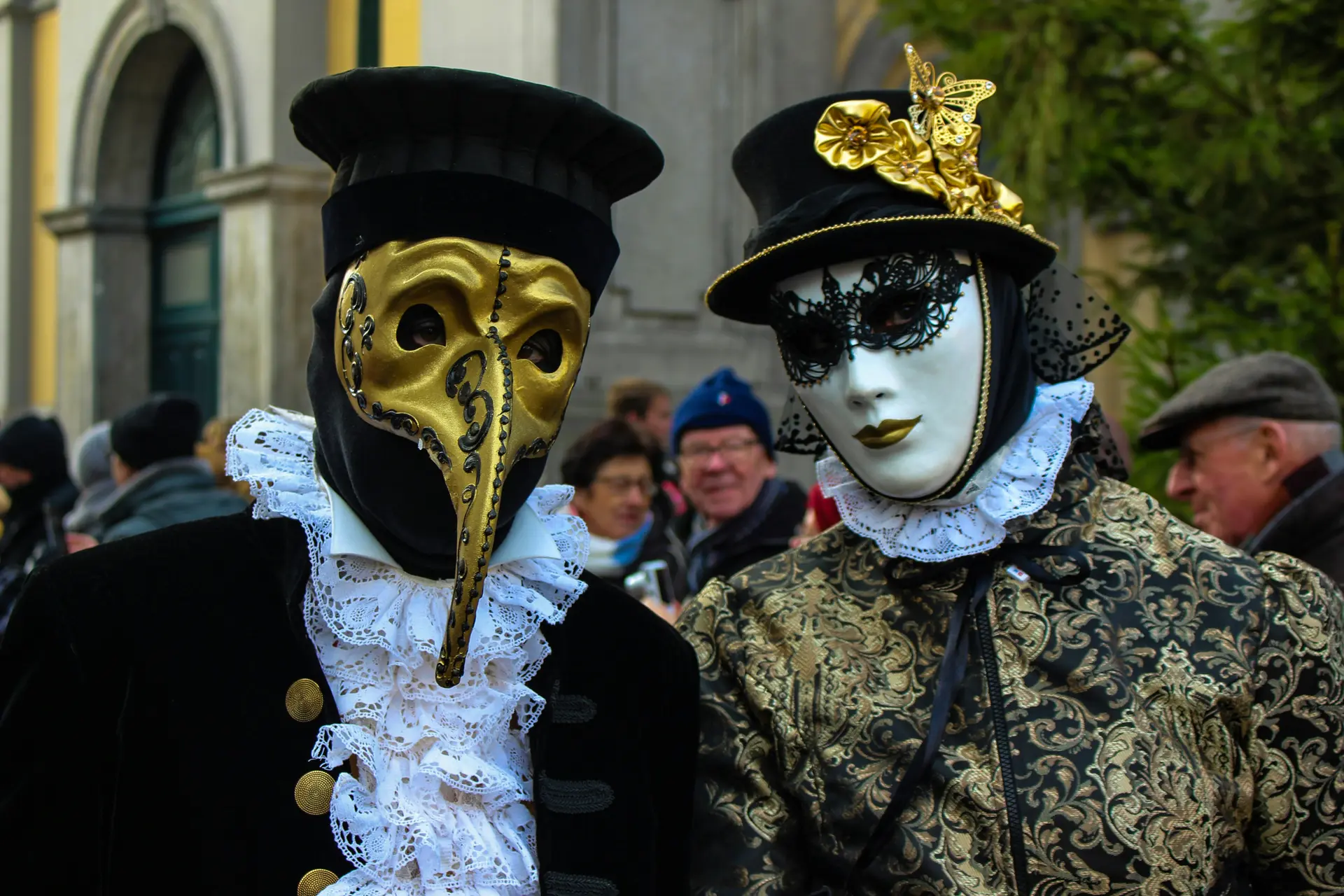
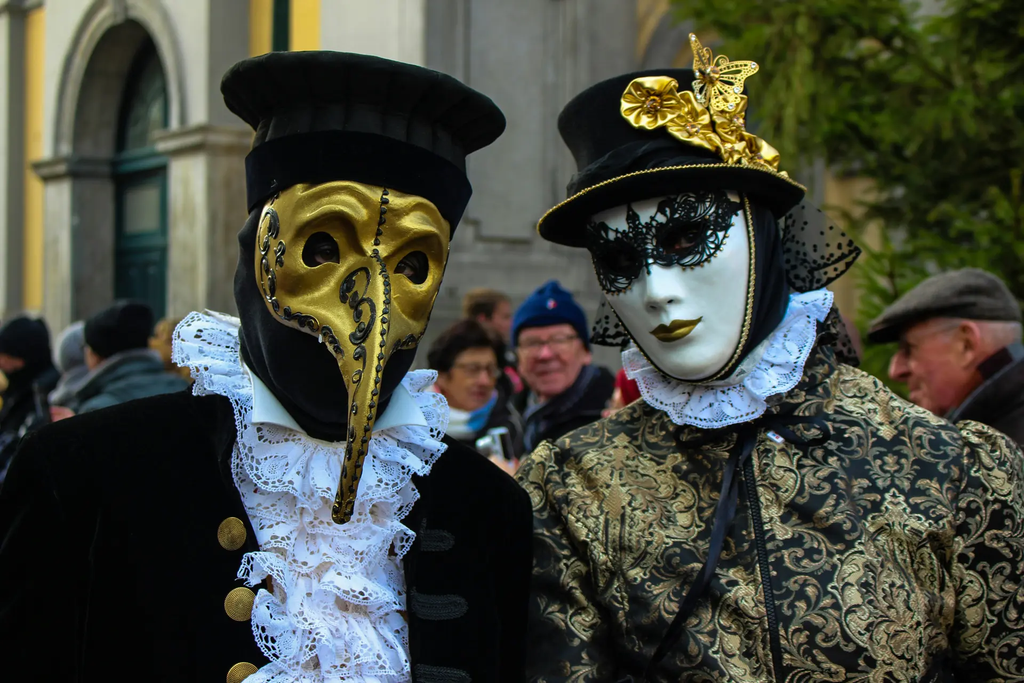
This Halloween, a beer hall in Denver did it a different way. Guests scanned one code to upload a photo of their costume, and then, once the moderator approved the field, the crowd used a second code to vote.
About 600 people voted live from their phones!
I know this because the software behind it is PollQR, a project of mine. The morning after the party, I got this email:
“We used PollQR’s Photo Contest feature for our Halloween Costume contest. It functioned wonderfully and everyone in the crowd was able to participate with no technical issues. We had 600 people voting live at the event. Thanks Steve and Team.”
— Chris Rippe, Bierstadt Lagerhaus, Denver
“No technical issues” at 600 phones. I’ll take it.
The party
Bierstadt Lagerhaus is a lager brewery in Denver. Its Halloween party sold all 600 tickets this year. The headline event was the costume contest, and Chris ran it.
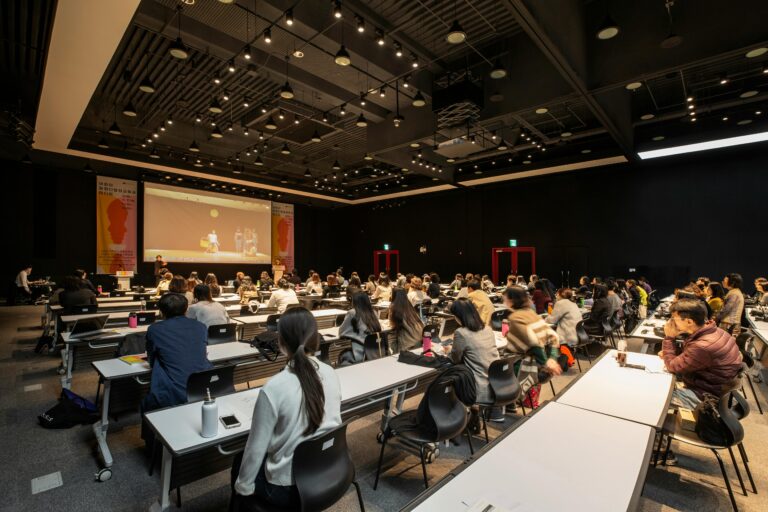
A packed beer hall is a hard place to count votes. It’s loud. People move around. Half the room can’t see the stage. Paper ballots get lost or stuffed. And whoever runs the contest has a hundred other things to do that night.
A phone in every pocket fixes most of that.
How a costume contest QR code works
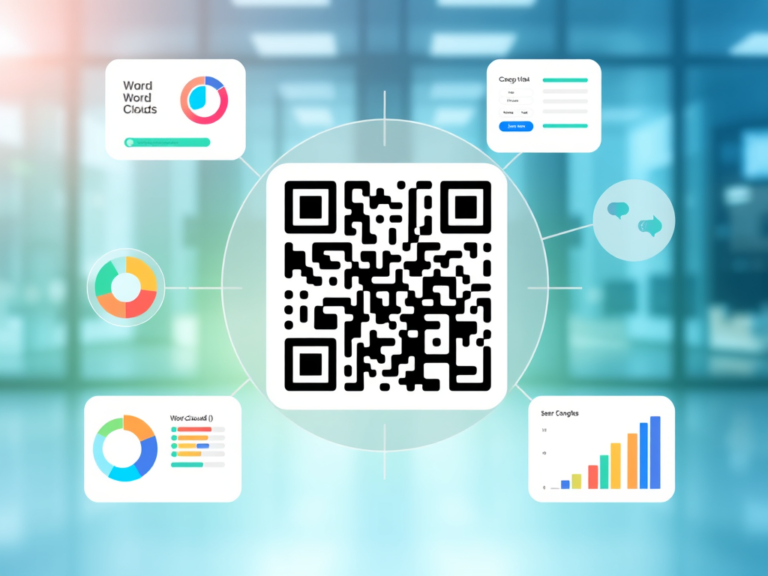
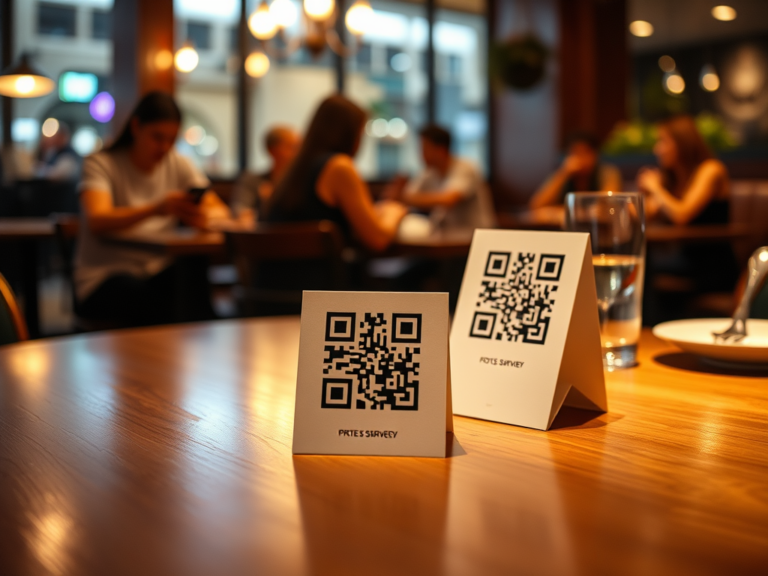
The contest uses two QR codes. You print them on table tents, put them on the screen, or tape them to the bar.
- The entry code. A guest scans it, takes a photo of their costume, and types their name. That’s it. No app to download and no account to create.
- The voting code. A guest scans it, scrolls through the costumes, and taps a favorite. Each phone gets one vote.
In between, the organizer decides what goes on the screen. You can look at each photo and approve it, or turn on auto-approve so new entries show up right away. (On a busy night, auto-approve is your friend. Approving dozens of photos by hand while someone asks you where the bathroom is gets old fast.)
The big screen shows the costumes and the current leaders while the votes come in. Everyone watches the race in real time, which turns the vote itself into part of the show.
The best features came from Chris
A few weeks before Halloween, Chris emailed me with a problem. During the party, he isn’t parked at a laptop. He’s out on the floor. So the big screen has to run itself for the whole night.
That led to two changes in the presenter view:
- The top four stay pinned. The leaders sit at the top of the screen, so the room always knows who’s ahead.
- Everyone else scrolls. Below the leaders, every entry rolls past on its own. Each guest sees their own costume up on the big screen at some point in the night.
The second one matters more than it sounds. People dress up to be seen. A contest where only the top four ever show up on the screen leaves everyone else wondering why they bothered with the face paint.
Neither idea was mine. Both came from someone who had run this contest before and knew what a crowded room needs. Both are now part of every PollQR photo contest.
What’s next
Good customers don’t just say thanks. They tell you what to build.
Chris asked for two more things:
- Photos only, in full screen. Hide the header and the controls. Show nothing but costumes.
- Download every photo at once. The entries are great material for next year’s posters and social posts.
I’ve shipped the photo download feature, but not yet the photos-only view.
Lessons for running your own
If you’re planning a costume contest with QR codes at a bar, an office party, a school carnival, or a dog costume parade, here’s what I’d pass along:
- Test the night before. Scan the entry code, upload a photo, vote, and check the big screen. It takes five minutes and catches the classic mistakes, like a poll that’s still closed or a code printed from last year’s contest.
- Make the codes big. People scan from across a table, often in dim light. Bigger is better.
- Announce a deadline for entries. “Photos in by 9:30, voting closes at 10.” A clear clock builds energy and gives you a moment to crown the winner.
- Put the screen where people can see it. The live leaderboard is half the fun.
For the step-by-step setup, see the PollQR photo contest guide. For the short version of the Bierstadt night from the PollQR side, see this post on the PollQR blog.
What it costs
Photo contests are part of PollQR’s All Access Plan: $19 for 30 days with no subscription, or $199 a year. For one party, the 30-day pass is all you need.
FAQ
Do guests need to download an app to vote? No. Guests scan the QR code with their phone camera, and the contest opens in the browser.
Can one person vote more than once? Each phone gets one vote.
Can I check the photos before they go on the big screen? Yes. You can approve each photo by hand, or turn on auto-approve so entries appear at once.
How many people can vote? Bierstadt Lagerhaus had about 600 people vote live at one party.
Does it work for things other than costumes? Yes. Any contest where people submit a photo and a crowd picks a winner: pumpkin carving, ugly sweaters, chili cook-off plates, pet photos.
The takeaway
I build PollQR mostly on my own. It’s easy to build in the dark: guess what people want, ship it, and hope. This contest was a good reminder of the better way. Find one real customer with a real date on the calendar. Build what they ask for. Then let them tell you how it went.
Thanks, Chris, for the trust, the ideas, and the very nice email!
Now go throw a party.